
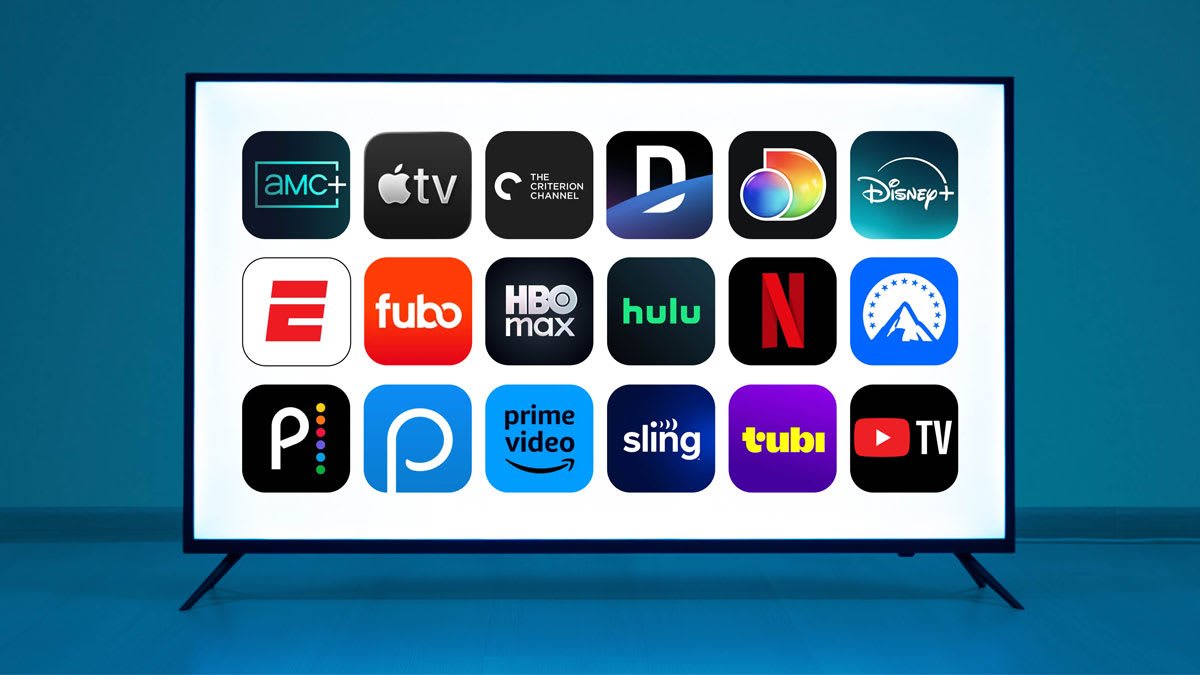
Streaming should be simple: pick a plan, press play, enjoy. But most platforms now offer multiple tiers—some with ads, some without, some that allow downloads, some that limit sharing, and some that charge extra for HD or 4K.
This evergreen guide breaks down how streaming plans work in plain English, so you can choose the right option without overpaying. You’ll learn the key differences between tiers, what features matter most, and which type of plan is best for families, students, and casual viewers.
1) Streaming Plan Basics: What You’re Really Paying For
Most streaming plans differ across the same core features:
-
Ads vs ad-free viewing
-
Video quality (SD / HD / 4K)
-
Number of screens at once (1, 2, 4+)
-
Downloads for offline viewing
-
Sharing rules (household limits, profiles, extra member add-ons)
-
Device support (TV, mobile, tablet, web)
-
Audio quality (standard vs surround, sometimes Dolby Atmos)
-
Extras (bundles, live channels, sports, premium add-ons)
If you understand these eight categories, you can decode almost any streaming plan.
2) Ads vs Ad-Free: Which One Is Actually Worth It?
Ad-supported plans (lower price)
Best for: budget viewers, casual watchers, people who don’t mind interruptions
What you get: lower monthly cost
What you give up: time, and sometimes features
Typical differences:
-
Ads appear before and during content
-
Some titles may be unavailable in certain ad tiers
-
Some platforms limit downloads on ad tiers
-
Streaming quality may be capped on the lowest plan (varies by platform)
Simple math check:
If you watch 10 hours/month and ads add ~8 minutes/hour, that’s ~80 minutes of ads monthly. If ad-free costs $6 more, you’re paying ~$4.50 per hour saved. Worth it for many—especially heavy viewers.
Ad-free plans (higher price)
Best for: frequent watchers, families, people who value smooth viewing
What you get: uninterrupted play, often better features
What you give up: higher monthly cost
Rule of thumb:
If you watch more than 6–8 hours/week, ad-free usually feels worth it.
3) Video Quality: SD vs HD vs 4K (and Why It Matters)
SD (Standard Definition)
Best for: phones, small screens, very tight budgets
Not ideal for: big TVs (looks blurry)
HD (High Definition 1080p)
Best for: most households, most TVs
The “default best value” for many people
4K (Ultra HD)
Best for: 4K TVs, large screens, home cinema setups
Reality check: 4K looks great, but only if:
-
you have a 4K-capable plan
-
the title is available in 4K
-
your device supports it
-
your internet is fast enough
Internet guideline (practical):
-
HD: stable 5–10 Mbps is usually fine
-
4K: stable 20–25+ Mbps is safer (especially for households with multiple devices)
Rule of thumb:
If your TV is 55 inches or bigger, 4K is more noticeable. If you mostly watch on a phone, HD is enough.
4) Screens at the Same Time: The Hidden “Family Cost”
This is one of the most important features—and many people ignore it.
-
1 screen: best for solo viewers
-
2 screens: couples or roommates
-
4+ screens: families and shared households
Quick test:
Count how many people might watch at the same time. If it’s more than one, don’t buy the cheapest tier unless you love frustration.
5) Downloads: The Travel and Commute Feature
Offline downloads matter if you:
-
travel frequently
-
commute
-
have unstable internet
-
want to save mobile data
Common limitations:
-
downloads only available on higher tiers
-
device limits (e.g., download on 2 devices)
-
expiry windows (downloads expire after a period)
-
content restrictions (not every title supports downloads)
Rule of thumb:
If you travel more than once a month, prioritize a plan with downloads.
6) Sharing Rules: “Household” Is the New Standard
Streaming services increasingly enforce household-based access. This means:
-
sharing with people outside your home may be restricted
-
platforms may require “primary location” settings
-
some allow paid add-ons for extra members
What to look for:
-
does your plan include multiple profiles?
-
do they restrict usage to one household?
-
is there an “extra member” option?
-
do you travel often (and will that cause access issues)?
Practical approach:
If you’re routinely watching from multiple homes, expect friction unless you choose a plan designed for multi-user access.
7) Best Streaming Plan for Families
Families typically need:
-
multiple screens at once (2–4+)
-
strong parental controls + profiles
-
HD or 4K for TV viewing
-
downloads for kids’ devices (travel, car rides)
Best family plan type:
✅ Mid-to-top tier, multiple screens, ideally ad-free, with downloads and HD/4K.
Family rule of thumb:
Paying a bit more often saves more in time, conflict, and “who changed my show?”
8) Best Streaming Plan for Students
Students usually want:
-
lowest cost
-
viewing on phone/laptop
-
occasional downloads for travel
-
minimal sharing needs
Best student plan type:
✅ Ad-supported tier or standard tier with 1 screen, HD, and downloads if possible.
Student rule of thumb:
If you binge a lot during breaks, consider upgrading temporarily for ad-free, then downgrade again.
9) Best Streaming Plan for Casual Viewers
Casual viewers are the biggest group wasting money because they subscribe like heavy viewers.
If you watch:
-
1–3 times per week
-
mostly one device
-
rarely download
-
don’t care about 4K
Best casual plan type:
✅ Cheapest tier that still gives you acceptable experience: usually ad-supported + HD.
Casual viewer strategy:
Rotate subscriptions. Subscribe for one month, finish what you want, cancel, and move to the next service. This beats paying for five services all year.
10) A Simple Checklist to Pick the Right Plan
Before subscribing, answer these:
-
Do ads bother me enough to pay extra?
-
How many screens at once do I need?
-
Do I watch on a TV or mostly phone/laptop?
-
Do I need downloads?
-
Is 4K worth it for my screen size and internet?
-
Am I sharing outside my household (and is it allowed)?
-
Will I use this service monthly—or should I rotate?
If you answer these honestly, you’ll pick the right plan quickly.
The “Don’t Overpay” Strategy (Works for Almost Everyone)
Here’s the simplest money-saving framework:
-
Choose ad-supported if you watch occasionally
-
Choose ad-free if you watch frequently
-
Choose multiple screens only if you truly need them
-
Choose 4K only if you have the TV + internet to enjoy it
-
Rotate services if you’re a casual viewer who wants variety
Final Takeaway
The perfect streaming plan isn’t the most expensive one—it’s the one that matches your real viewing habits. Decide based on:
-
ads tolerance
-
screen count
-
downloads
-
HD vs 4K
-
sharing needs
That’s the whole game.

